
Professional Workstations
Custom Professional Workstation PCs Built Around Your Workload
Looking for a professional workstation PC for video editing, 3D rendering, AI or graphic design? Ktech Media Solutions configures custom workstation computers around your software, performance requirements and future upgrade needs. We don't start with a fixed specification — we start with what you actually run.
What Is a Professional Workstation?
A professional workstation is a workstation computer configured for sustained, demanding workloads — rendering, encoding, simulation, large-file editing — rather than everyday browsing and office tasks. The distinction isn't marketing; it shows up in daily use.
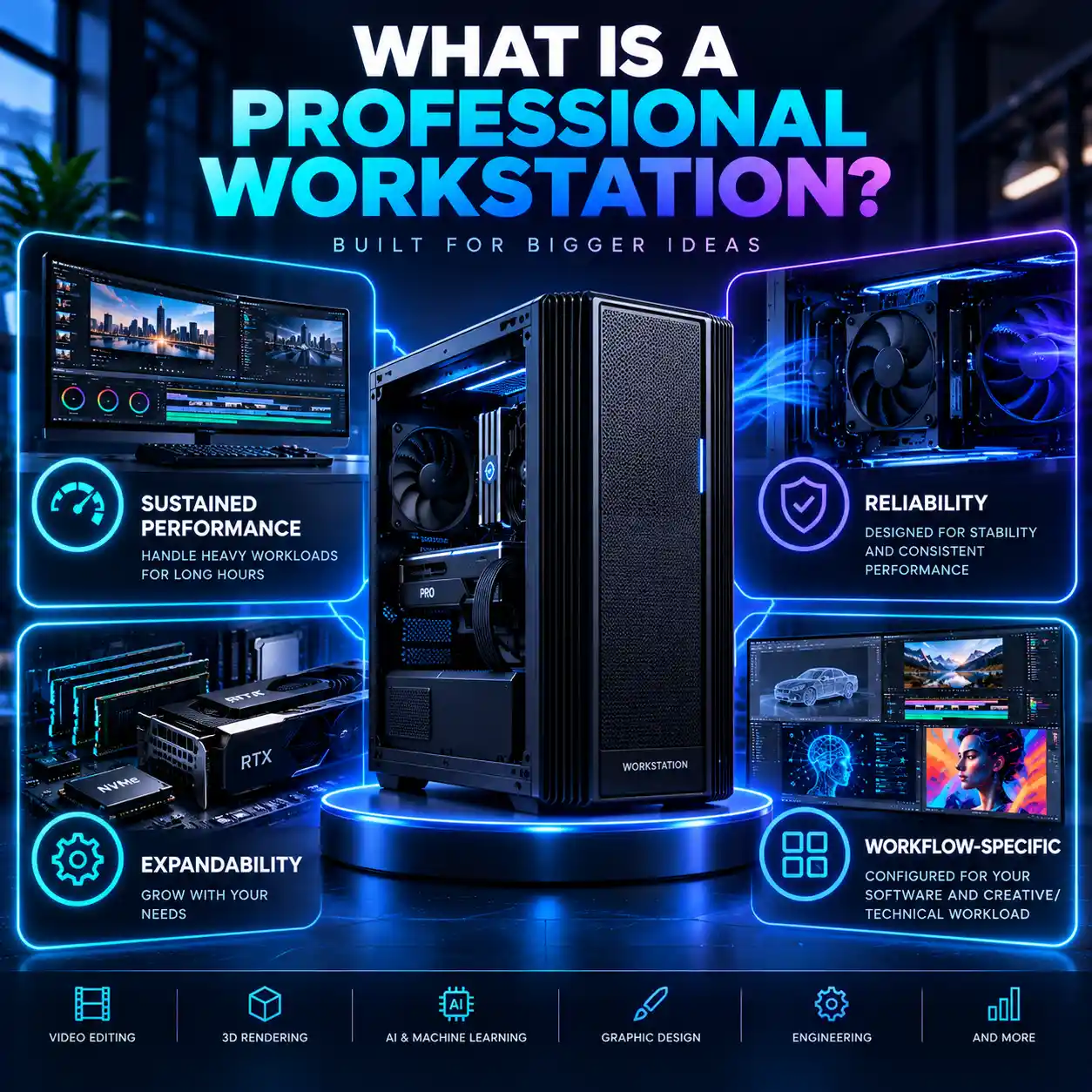
Sustained Performance
Built to hold up under hours of continuous heavy use, not just a quick benchmark spike.
Reliability
Components and cooling chosen so the system stays stable through long render or export jobs.
Expandability
Room to add memory, storage or a GPU later as your workload grows, instead of replacing the whole machine.
Workflow-Specific Configuration
Specced around the software you actually run, not a generic "gaming PC" repurposed for work.
A custom workstation earns that extra cost by removing the workflow bottlenecks a general PC eventually hits — not by being faster in the abstract.
Professional Workstations for Different Workflows
Every workflow stresses a computer differently — a workstation configuration that's right for one is often wrong for another. That's why we treat each of these as its own solution rather than a variation on one generic spec.
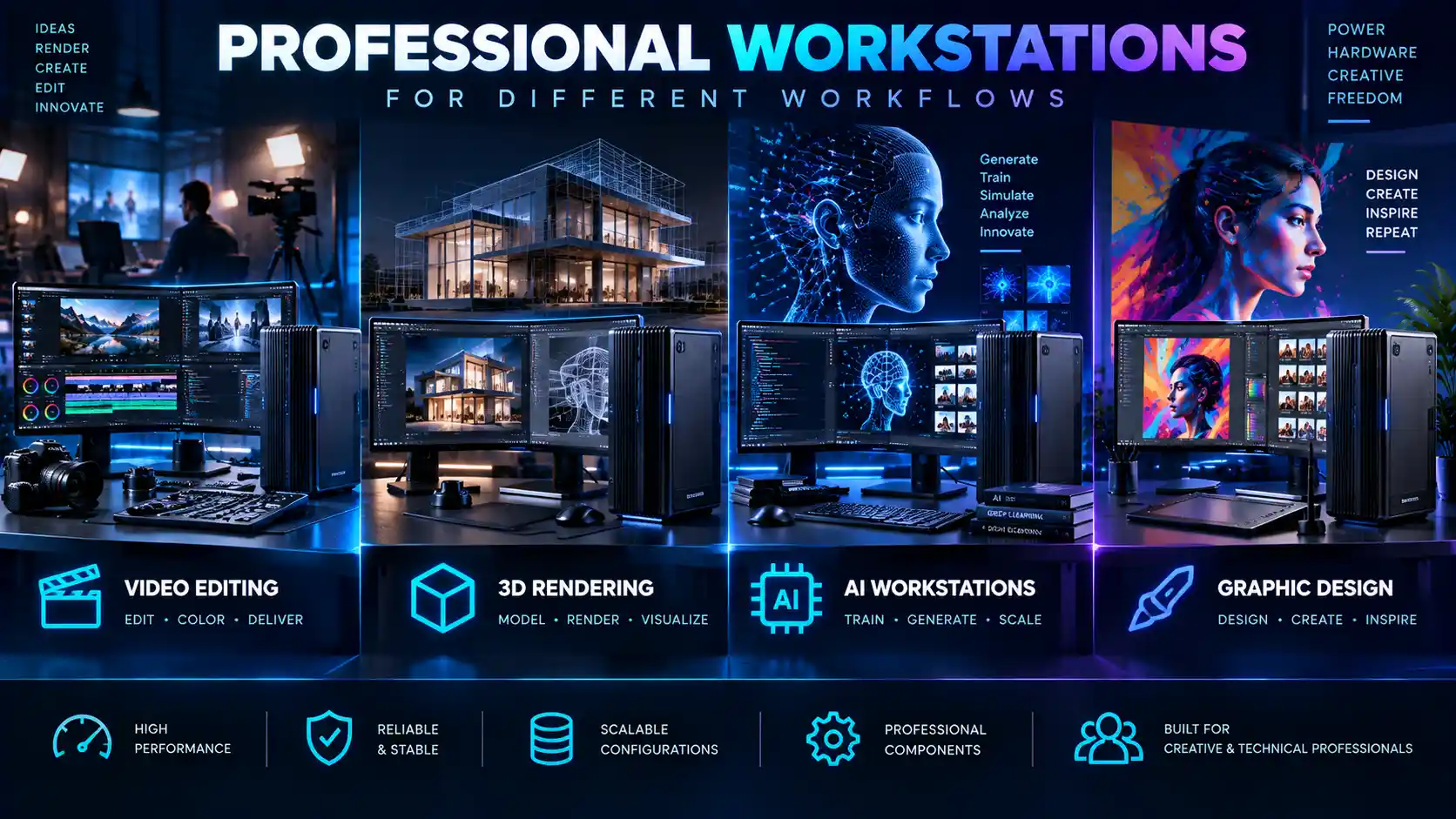
Video Editing Workstations
Ktech can configure video editing workstations around your timeline complexity, codecs and export speed for 4K and 8K footage.
Find More3D Rendering Workstations
Our 3D rendering workstations are configured for sustained GPU and CPU load across architectural, product and animation rendering.
Find MoreAI Workstations
For local model training, inference and data processing, our AI workstations are built around GPU headroom and sustained load.
Find MoreGraphic Design Workstations
Large file handling and colour-accurate displays are the priority for our graphic design workstations, built for Adobe Creative Cloud workflows.
Find MoreProfessional Workstations for Your Software
Every application stresses a system differently — we configure around what you actually run, not a generic spec sheet.
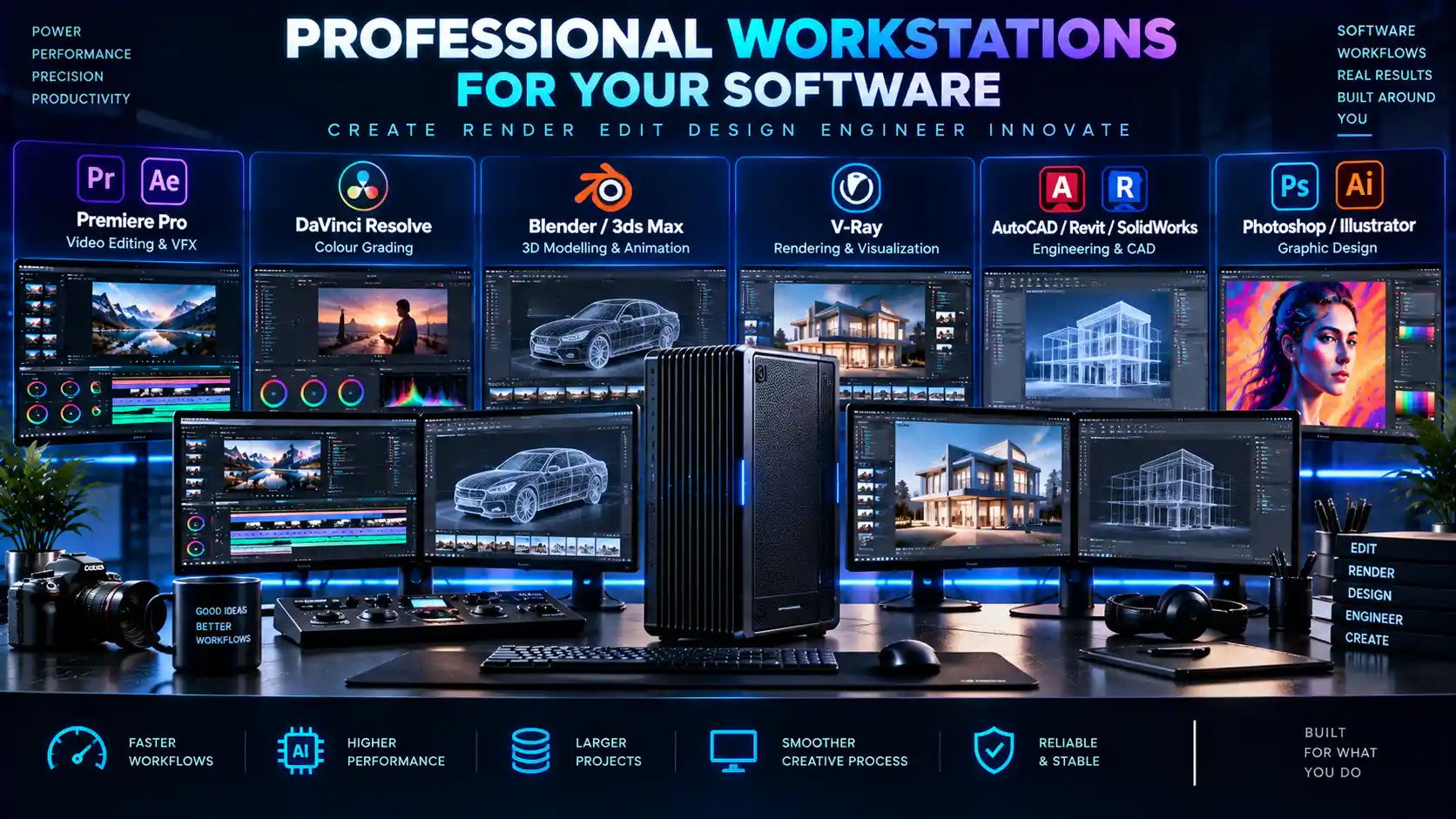
Adobe Premiere Pro & After Effects
Configured around GPU acceleration and timeline responsiveness for demanding edits.
DaVinci Resolve
Balanced for colour grading and multi-layer node processing.
Blender & 3ds Max
Configured around whichever render engine your pipeline actually uses.
V-Ray
Matched to CPU or GPU rendering, depending on your license and workflow.
AutoCAD, Revit & SolidWorks
Configured for stable viewport performance with complex models and assemblies.
Photoshop & Illustrator
Balanced for large files and colour-accurate display work.
We don't claim official certification or optimisation for any of this software — configurations are based on how each application actually uses CPU, GPU and memory resources.
Professional Workstation vs Regular PC
A workstation isn't automatically "faster" than a regular PC in every respect — the honest comparison is about where each one holds up and where it doesn't.
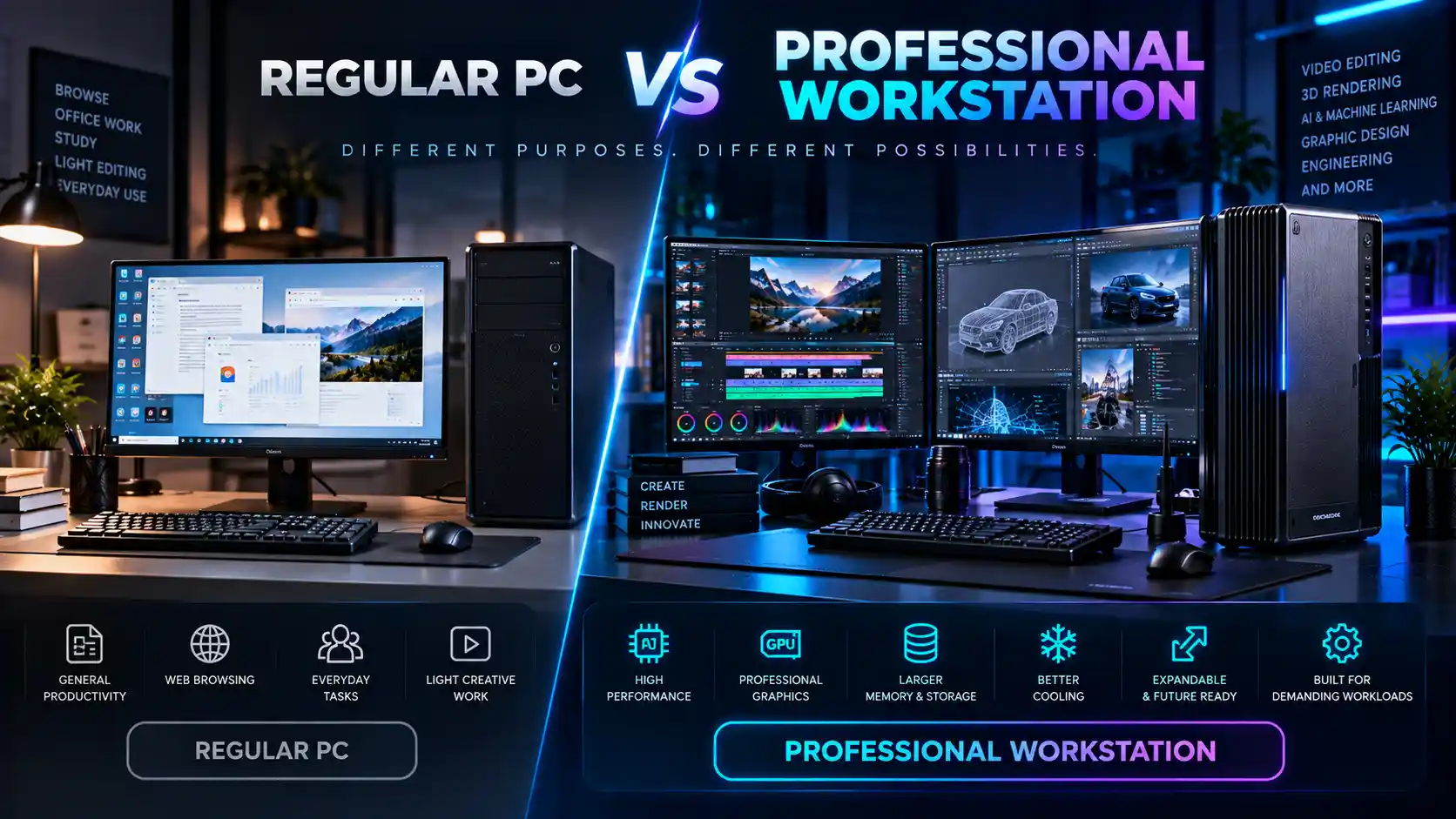
Regular PC
Fine for browsing, office work and light, occasional creative tasks.
Can struggle or throttle under sustained heavy workloads.
Limited room to upgrade components later.
Cooling and power delivery sized for typical, not continuous, use.
Professional Workstation
Configured around your specific software and daily workload.
Sized to hold performance under sustained, hours-long use.
Built with expandability for future upgrades in mind.
Cooling and power delivery matched to continuous professional use.
Professional Workstation vs Gaming PC
These overlap more than the two vs Regular PC comparison above, and the right choice genuinely depends on your workload rather than one being universally better.
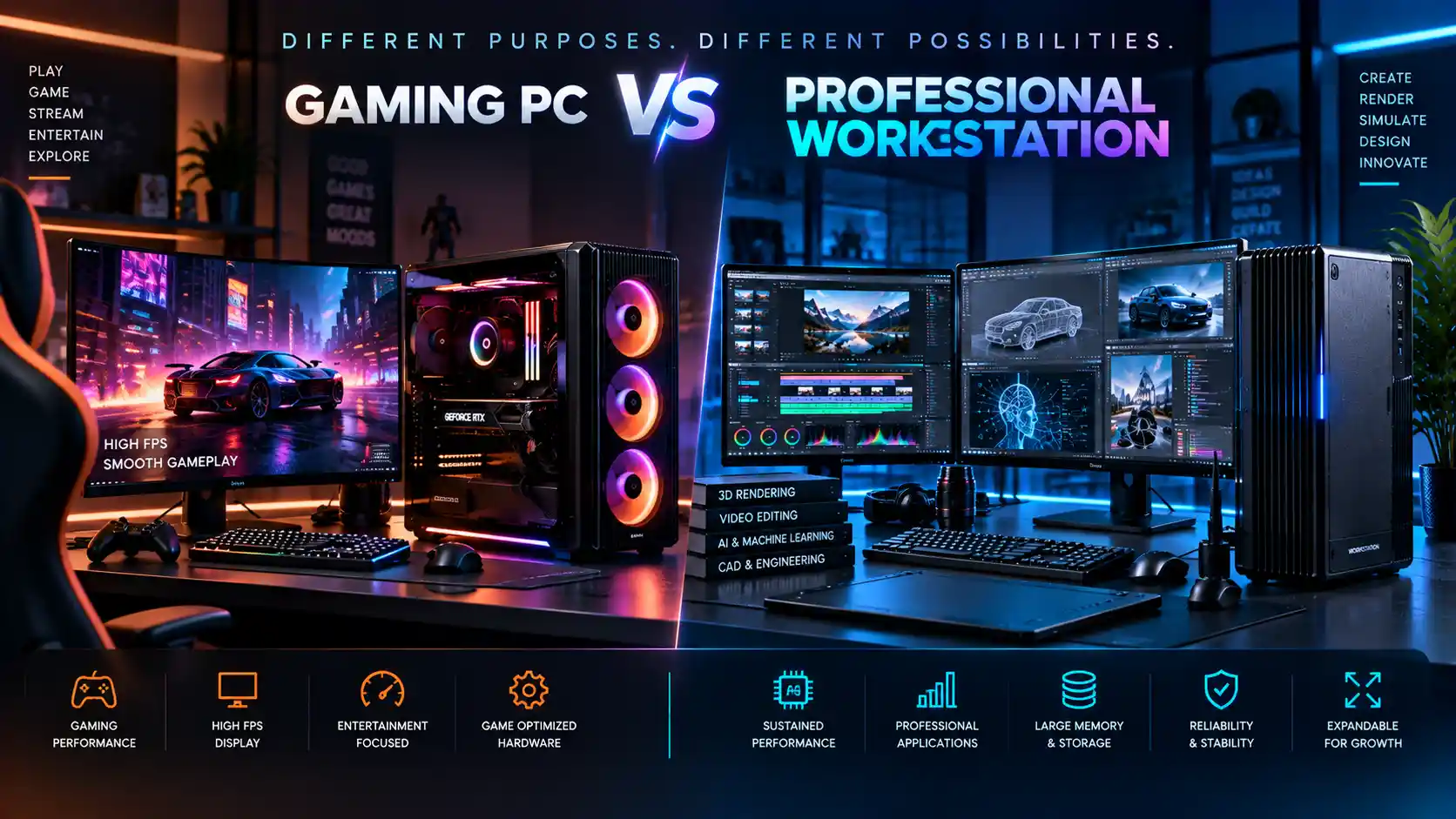
Gaming PC
Built around GPU horsepower for high frame rates in real-time rendering.
Optimised for short, intense bursts rather than sustained professional loads.
Often lighter on RAM and workstation-relevant reliability features.
Professional Workstation
Balanced around your specific software's actual CPU and GPU needs.
Built to hold up under hours-long, sustained professional workloads.
Configured with the RAM, storage and expandability professional work demands.
A gaming PC can genuinely suit some lighter creative workloads — the right answer follows from what you actually run, not a blanket rule either way.
Platforms We Configure Around
We work with both major processor and GPU platforms — which one fits depends on your workload, not a fixed recommendation we give everyone.
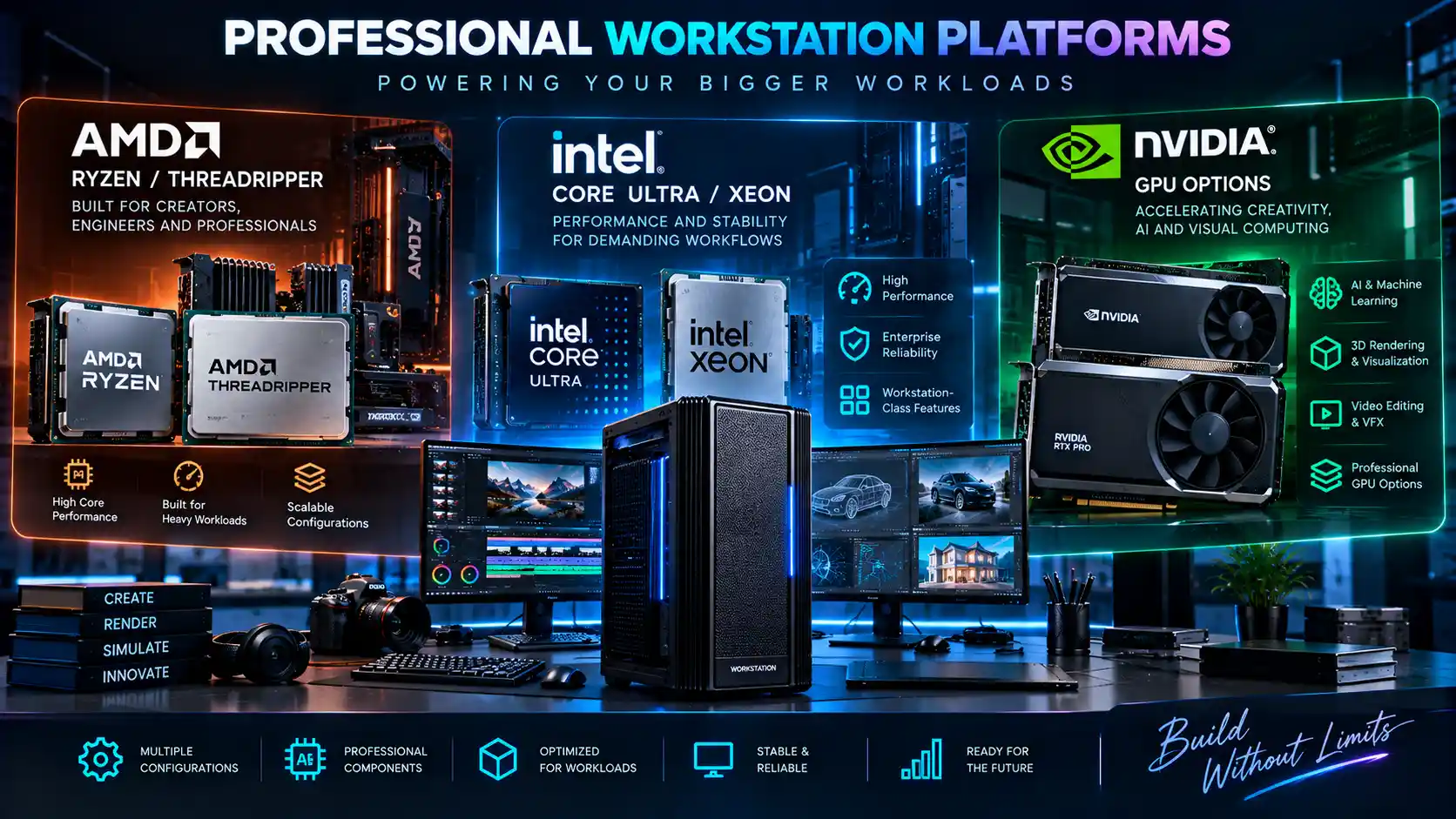
AMD Ryzen & Threadripper
Strong multi-threaded performance for rendering, simulation and workloads that scale across many cores.
Intel Core Ultra & Xeon
Balanced single- and multi-core performance, with Xeon options where ECC memory and workstation-class reliability matter.
NVIDIA GPU Options
Matched to your software's GPU acceleration support — rendering, AI inference and training all stress a GPU differently.
We don't quote a specific model or price without understanding your workload first — the right platform for a rendering-heavy 3D pipeline is often the wrong one for an AI training rig.
How to Choose a Professional Workstation
Every one of these questions changes the right answer for the next one — which is why a fixed spec sheet rarely fits everyone.
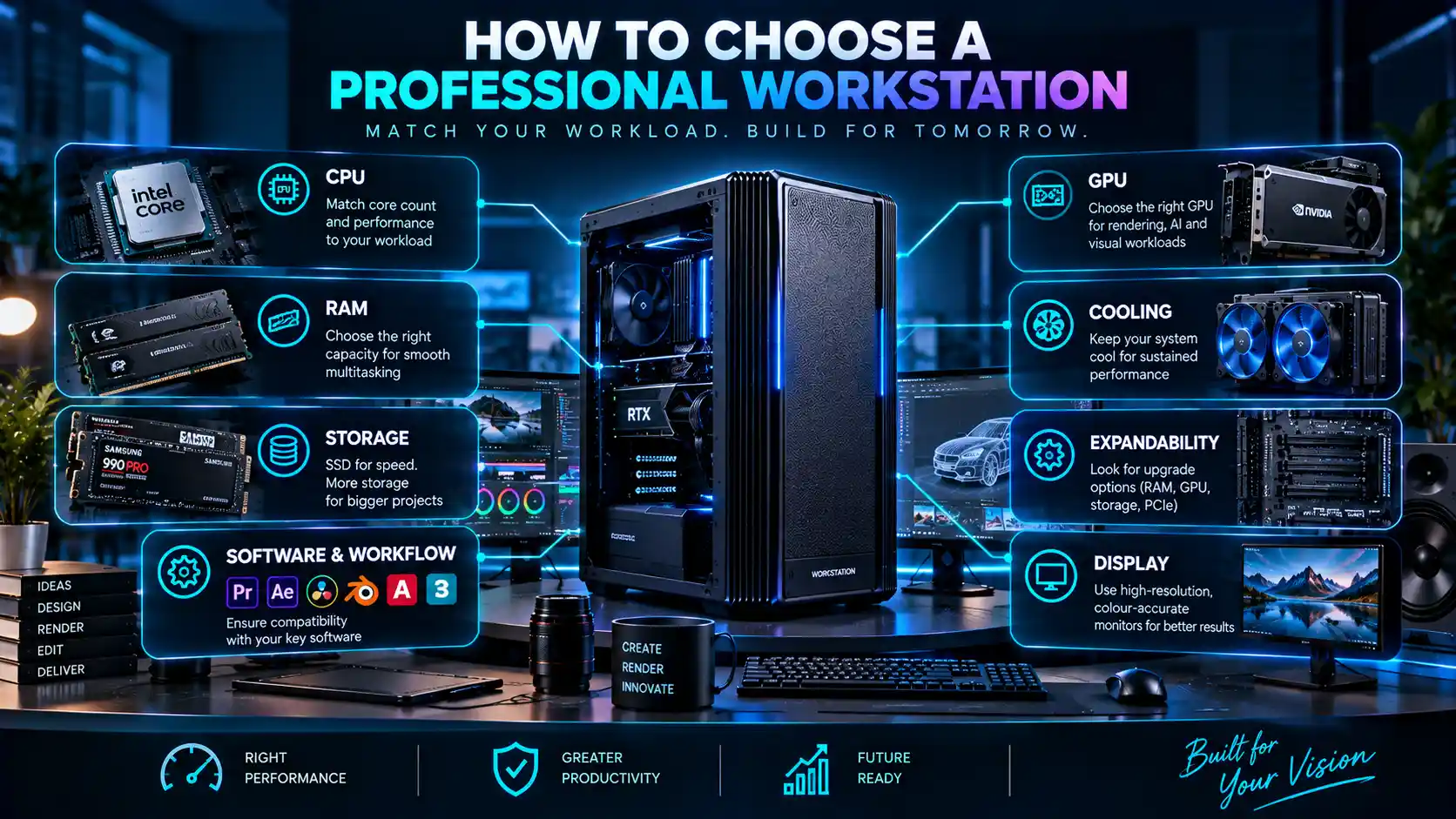
CPU Requirements
Core count and clock speed needs differ hugely between video export, 3D rendering and general multitasking.
GPU Requirements
Matters heavily for rendering and AI work, far less for CPU-bound tasks like some CAD workflows.
RAM
Large files and multiple applications open simultaneously push memory requirements up fast.
Storage
Speed matters for active project files; capacity matters for archives — usually you need both, configured differently.
Cooling
Sustained workloads generate sustained heat — cooling sized for occasional use will throttle under real work.
Expandability
Room to add RAM, storage or a GPU later without a full rebuild.
Display Requirements
Colour accuracy and resolution needs vary by field — design and video work usually demand more than general use.
Software & Workflow
The single biggest factor — the software you actually run should drive every other decision on this list.
Custom Workstation Configuration
Ktech works as a custom workstation configuration partner — understanding your workflow first, then building around it, rather than selling commodity hardware off a shelf.
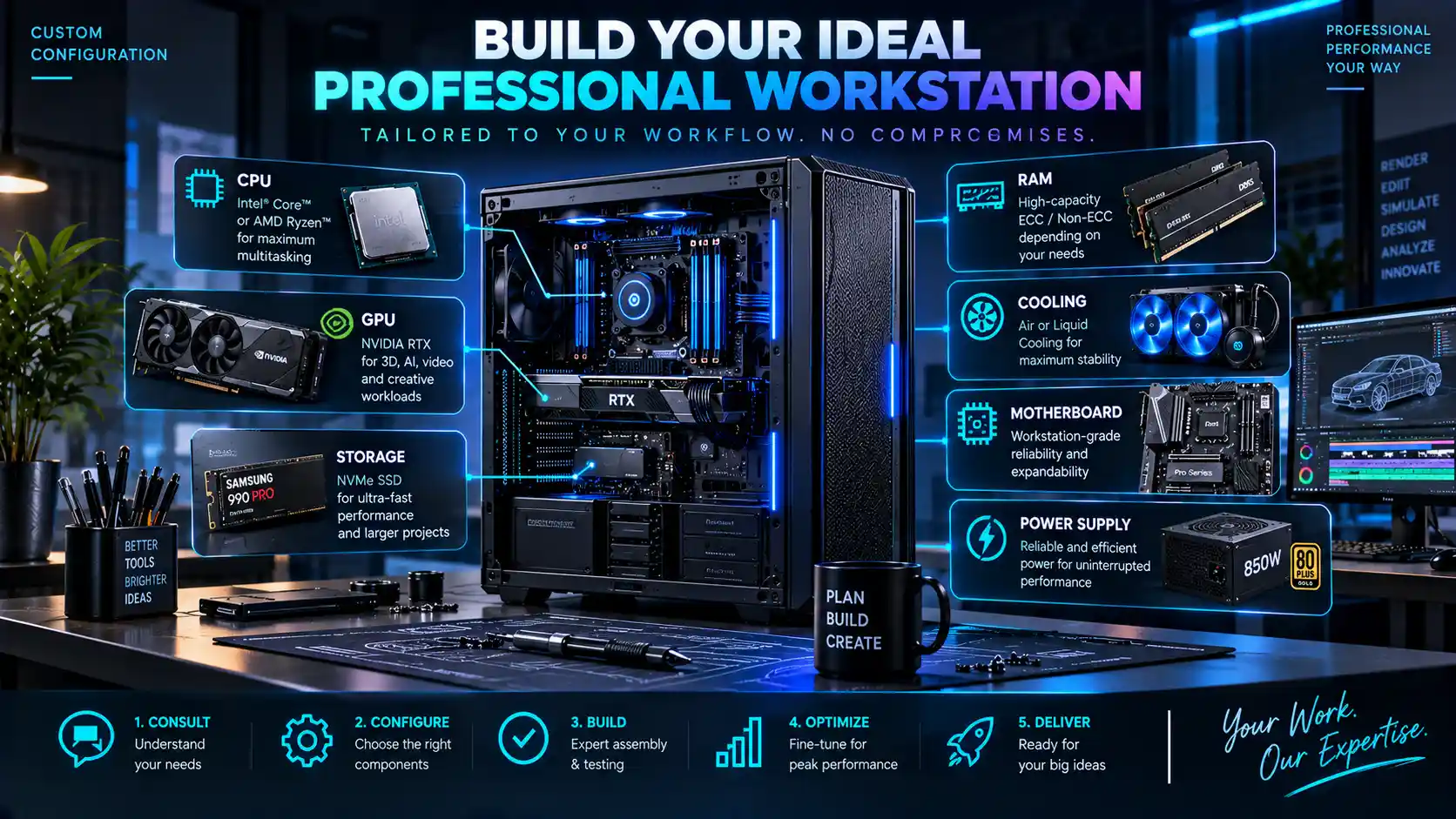
Requirement
What you actually run day to day, and where your current setup falls short.
Configuration
A specification matched to that requirement, with room to grow.
Component Selection
Parts chosen for reliability and fit, not just spec-sheet numbers.
Assembly
Built and cabled properly — airflow and cable management affect real-world thermals.
Testing
Checked under load before it ever reaches you, not just powered on and boxed.
Deployment & Support
Set up at your end, with ongoing support as your workload evolves.
How Much Does a Professional Workstation Cost?
Professional workstation pricing varies according to CPU, GPU, RAM, storage, cooling, software workload and expansion requirements — a system built for lightweight design work and one built for GPU-heavy AI training start from very different places, even before you get to brand or component tier.
We don't publish a fixed price list, because a fixed number would either overstate what a light workload needs or understate what a heavy one requires. The honest answer is that the right configuration — and its cost — follows from your actual requirement, which is exactly why we start with a conversation rather than a price tag.
Get a Professional Workstation Quote
Requesting a quotation is a short conversation, not a lengthy form.
Tell Us Your Software
Premiere Pro, Blender, PyTorch, Photoshop — whatever you actually run.
Tell Us Your Workload
What you're producing, and roughly how demanding the typical project is.
Tell Us Your Requirements
Performance priorities, number of systems, and any constraints that matter.
We Recommend a Configuration
A specification matched to what you've told us, explained in plain terms.
Receive Your Quotation
A clear price for the recommended build, with room to adjust before you commit.
Professional Workstations for Businesses and Teams
Studios, agencies, production houses, architecture and engineering firms, and design or AI teams often need more than one workstation configured the same way. We can standardise a configuration across multiple systems, handle deployment for the whole batch, and provide ongoing support as the team's workload changes — rather than treating each machine as a separate, disconnected purchase.
Professional Workstations for Creative & Technical Professionals
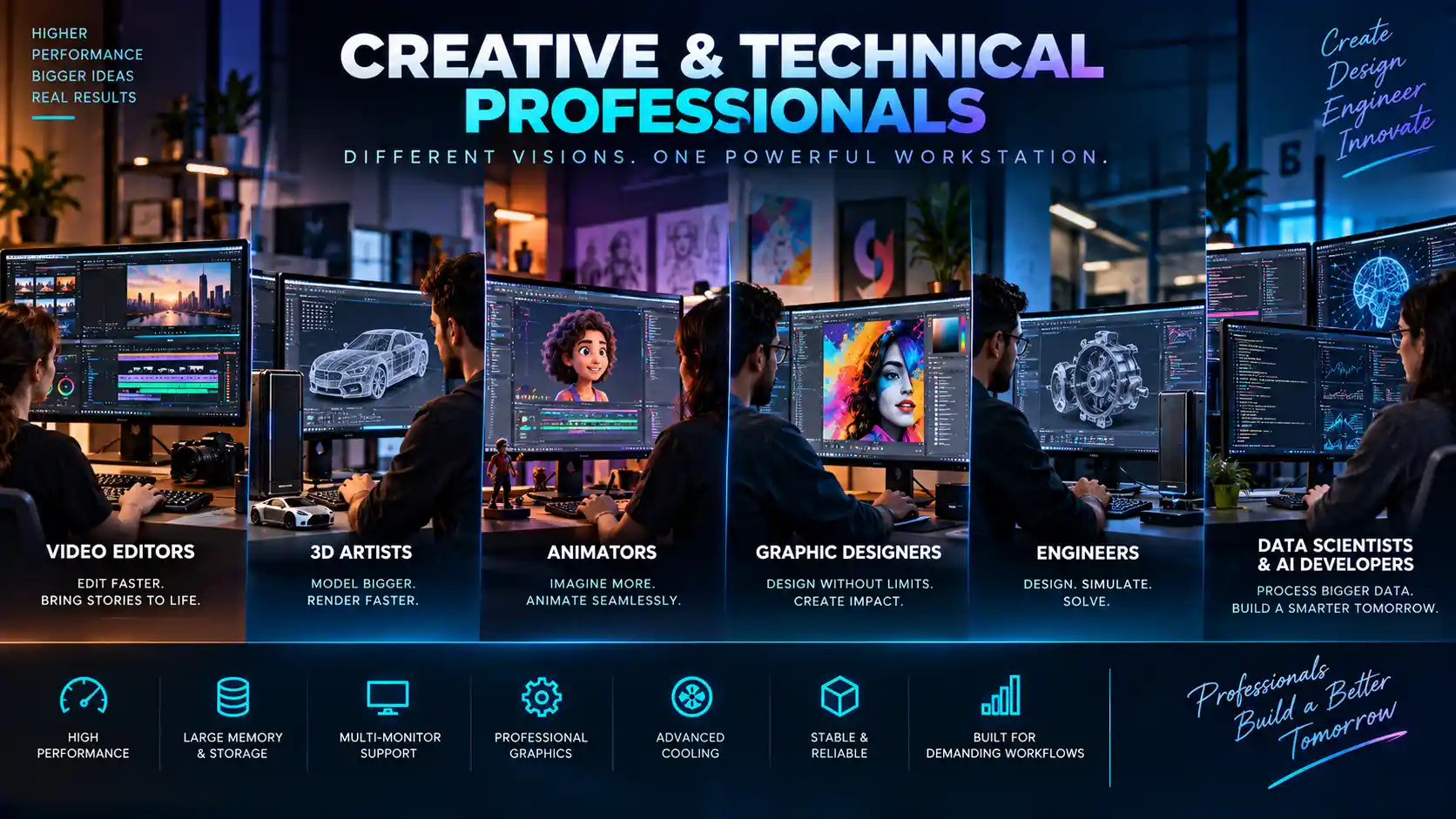
Video Editors
Smooth timeline playback and fast exports for 4K and 8K footage.
Designers
Large file handling and colour-accurate displays for design software.
3D Professionals
Sustained GPU and CPU performance for modelling, texturing and rendering.
Architects
CAD and visualisation workloads that need both precision and rendering headroom.
Engineers
Simulation and CAD software that benefit from strong single-core and multi-core performance.
AI/ML Practitioners
GPU-heavy workloads for local model training, fine-tuning and inference.
Why Choose Ktech Media Solutions?
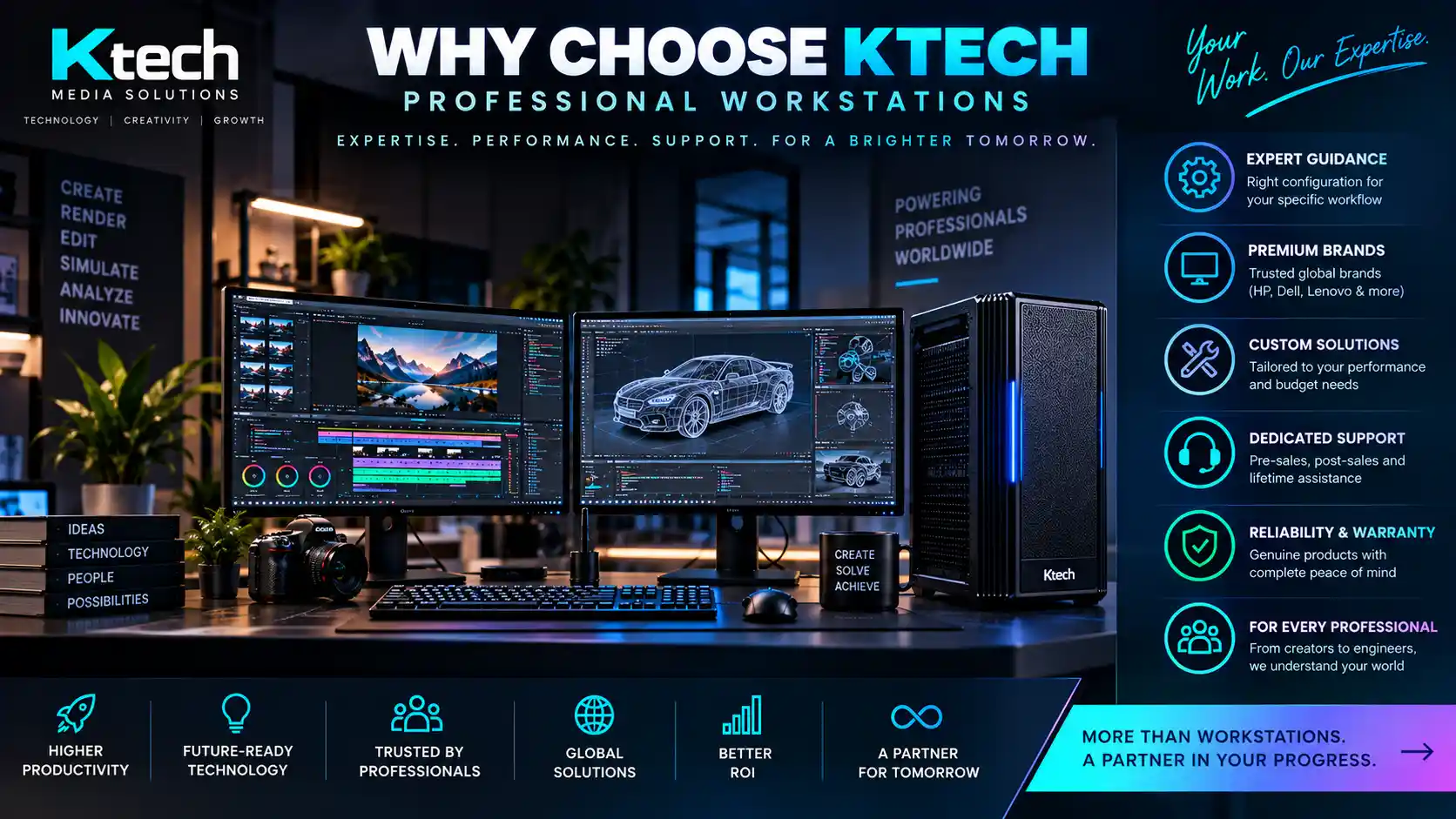
Quality
Components are chosen for reliability and fit, not just spec-sheet numbers — we won't put a part in your build we wouldn't trust in our own.
Performance
Configured around the workload you actually run, so performance shows up in your daily work, not just in a benchmark.
Reliability
Every build is tested under load before it reaches you — checked for stability and thermals, not just powered on and boxed.
Transparency
We tell you honestly when a cheaper configuration would serve your workload just as well — we're not paid more for selling you more.
Frequently Asked Questions
A professional workstation is a computer configured for demanding, professional workloads — video editing, 3D rendering, AI processing or similar — rather than general browsing and office use. It's built around specific software and performance requirements, not a fixed off-the-shelf spec.
A normal PC is built for general use. A workstation is configured around a specific professional workflow — the CPU, GPU, RAM, storage and cooling are chosen to match what your software and workload actually demand, with more headroom for sustained heavy use and future upgrades.
Anyone whose work regularly pushes a computer to its limits — video editors, 3D artists, architects, engineers, AI/ML practitioners and production teams — where a general-purpose PC becomes a bottleneck rather than a tool.
Start with your software and workflow, not the hardware. What you edit, render or process determines the CPU, GPU, RAM and storage that actually matter — we walk through this with you rather than selling a fixed configuration.
Yes — that's the point of a workstation over an off-the-shelf PC. Components are selected around your specific requirements, and the configuration can be adjusted as your workflow changes.
It depends entirely on the workload — a workstation for basic editing costs meaningfully less than one built for 8K post-production or heavy 3D rendering. We quote based on your actual requirement rather than a fixed price list.
A pre-built PC is fine for general use, but a professional workload usually benefits from a configuration matched to your specific software and workflow — which is what a custom-built workstation gives you that an off-the-shelf machine doesn't.
Yes — tell us your software, workload and any specific requirements, and we'll recommend a configuration with a clear quotation, not a generic price range.
Yes — each of these is configured differently depending on your specific software and render engine. See our video editing workstations, 3D rendering workstations and AI workstations pages for the detail on each.
Yes — we can standardise a configuration across multiple systems for a team, handle deployment for the whole batch, and provide ongoing support as requirements change.
Usually, yes — we configure with expandability in mind, so more RAM, additional storage or a GPU upgrade can often be added later without a full rebuild.
Not universally — it depends on your workload. A gaming PC can suit some lighter creative tasks well; sustained professional work usually benefits from a system balanced around your specific software rather than gaming-first priorities.
This varies by workload and how software evolves over time. Configuring with expandability in mind — room for more RAM, storage or a GPU upgrade — genuinely extends how long a system stays useful compared to a fixed, non-upgradeable build.
Explore Our Workstation Solutions
Once you know which workload you're configuring for, the specialist page has the detail — codecs and colour grading for video, GPU behaviour for rendering and AI, or Adobe-specific configuration for design.
4K and 8K configurations for Premiere Pro, DaVinci Resolve and After Effects.
Professional 3D rendering workstationsSustained GPU performance for architectural, product and animation rendering.
Professional AI workstationsGPU-accelerated builds for local model training, fine-tuning and inference.
Professional graphic design workstationsColour-accurate, high-resolution configurations for Adobe Creative Cloud workflows.
Other Technology Solutions
Beyond workstations, Ktech also configures trading technology for stock market and F&O workflows, handles data recovery for failed drives and RAID arrays, builds projection and media server solutions for events and installations, and provides business IT solutions for ongoing consulting and support.
Tell Us Your Workload
Tell us what software and workload you're configuring for, and we'll recommend a build that actually fits — not a generic spec sheet.